
Video instructiions
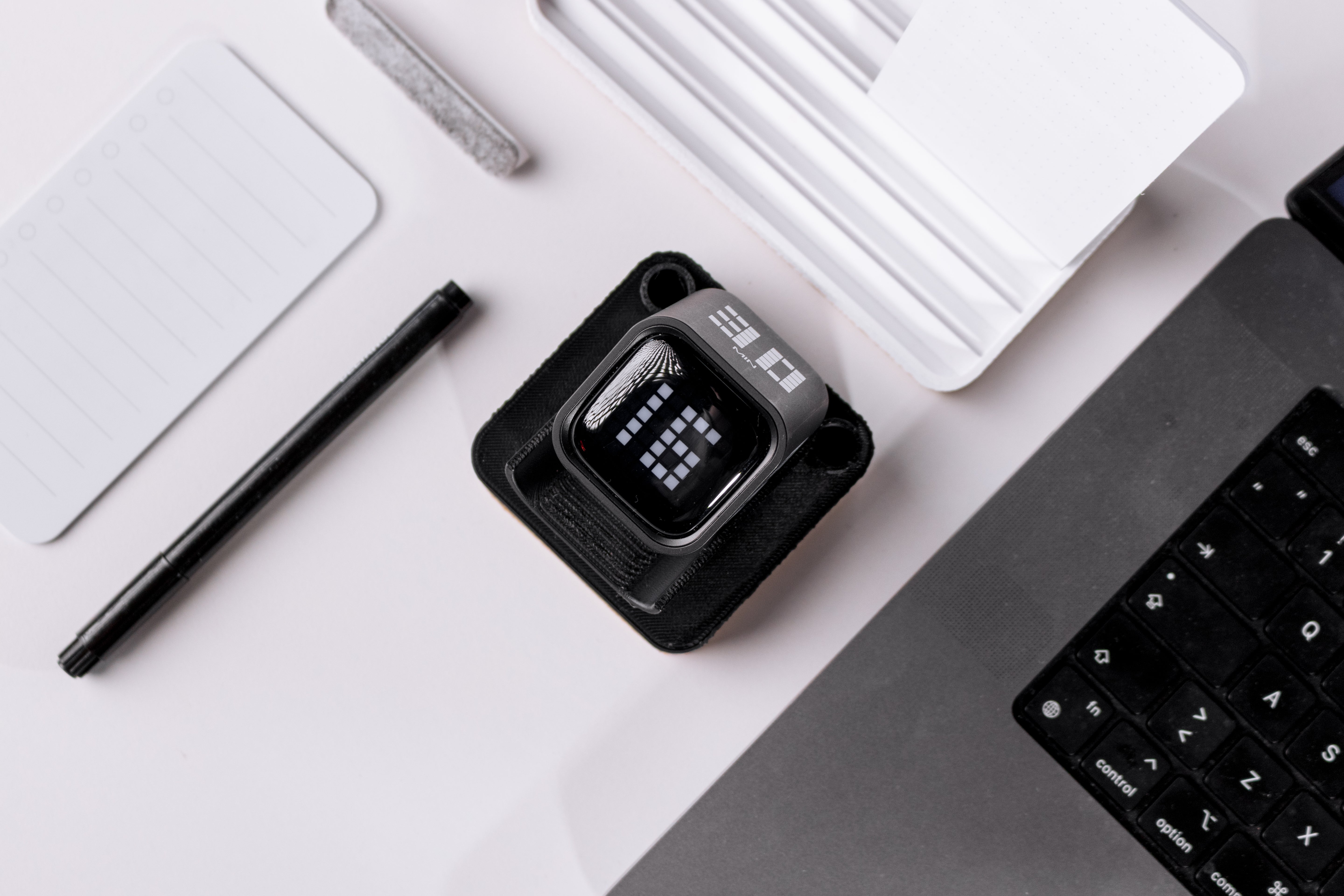
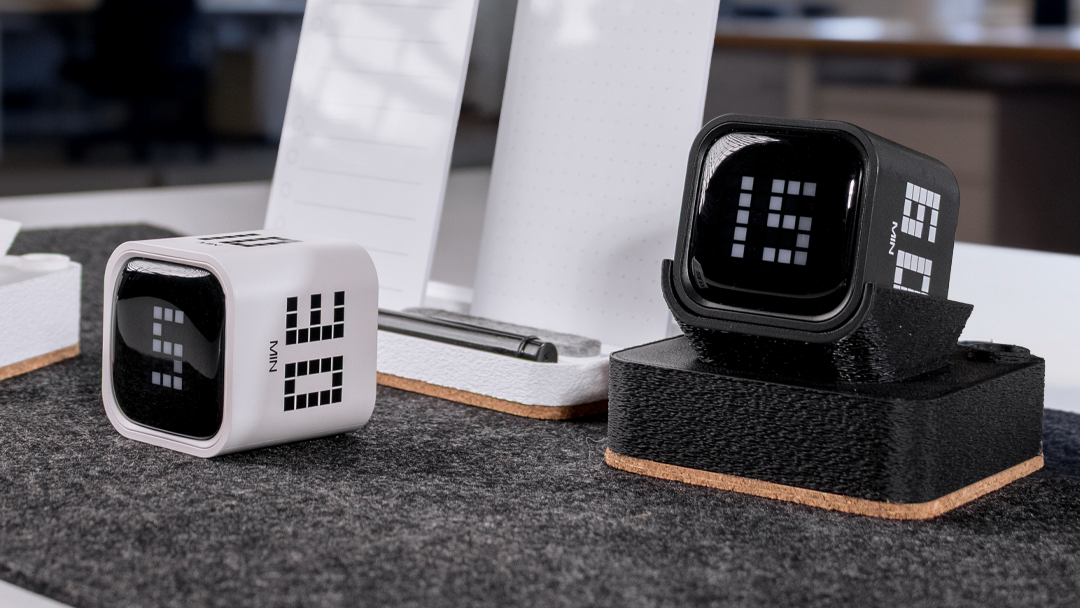
FlowTimer takes about 30 seconds to learn. Here's everything you need to know.
How to Use FlowTimer?
Flip Mode
FlowTimer has two modes. Switch between them using the toggle on the back.
The fastest way to start. Each side of FlowTimer has a preset interval: 5, 10, 30, or 60 minutes. Flip it face-up to start the countdown. That's it.
- Pause: flip the screen upward
- Reset: flip the screen downward
Manual Mode
Set any interval from 1 to 99 minutes. Use the + and - buttons to adjust the time, then press ST/SP to start.
Countdown: set your time, press start, go.
Count-up: start from 0 and track how long you've been working. Timer stops at 99 minutes.
Memory: when the session ends, press ST/SP twice to restart with the same duration.
Sound settings
Press the side button to cycle between three modes: loud, vibration, or silent. In silent mode, the screen flashes when time is up.
Charging
Charge via USB-C. Red light means charging, green means fully charged. One charge lasts up to 3 months. FlowTimer sleeps automatically after 5 minutes of inactivity.
Featured collection
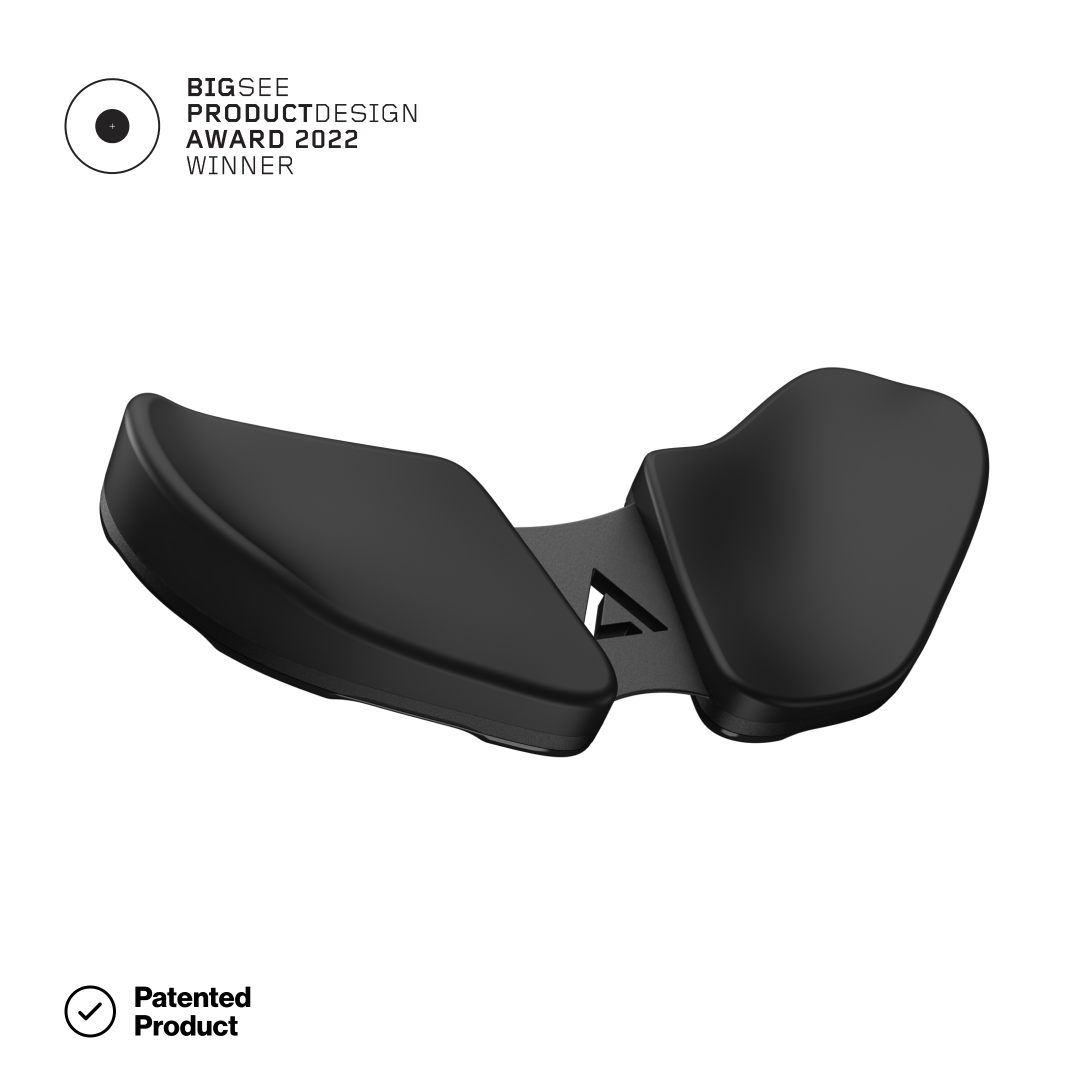
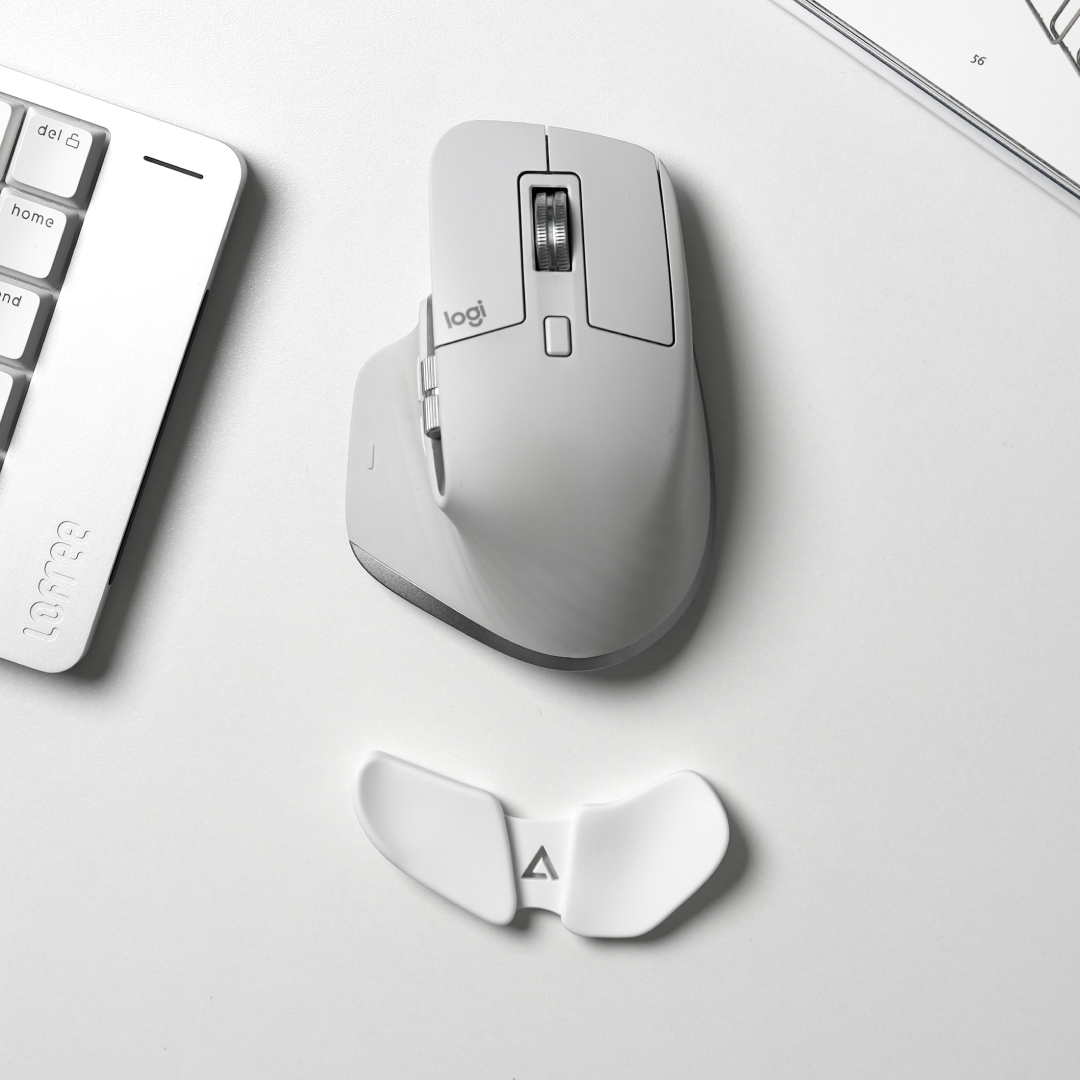
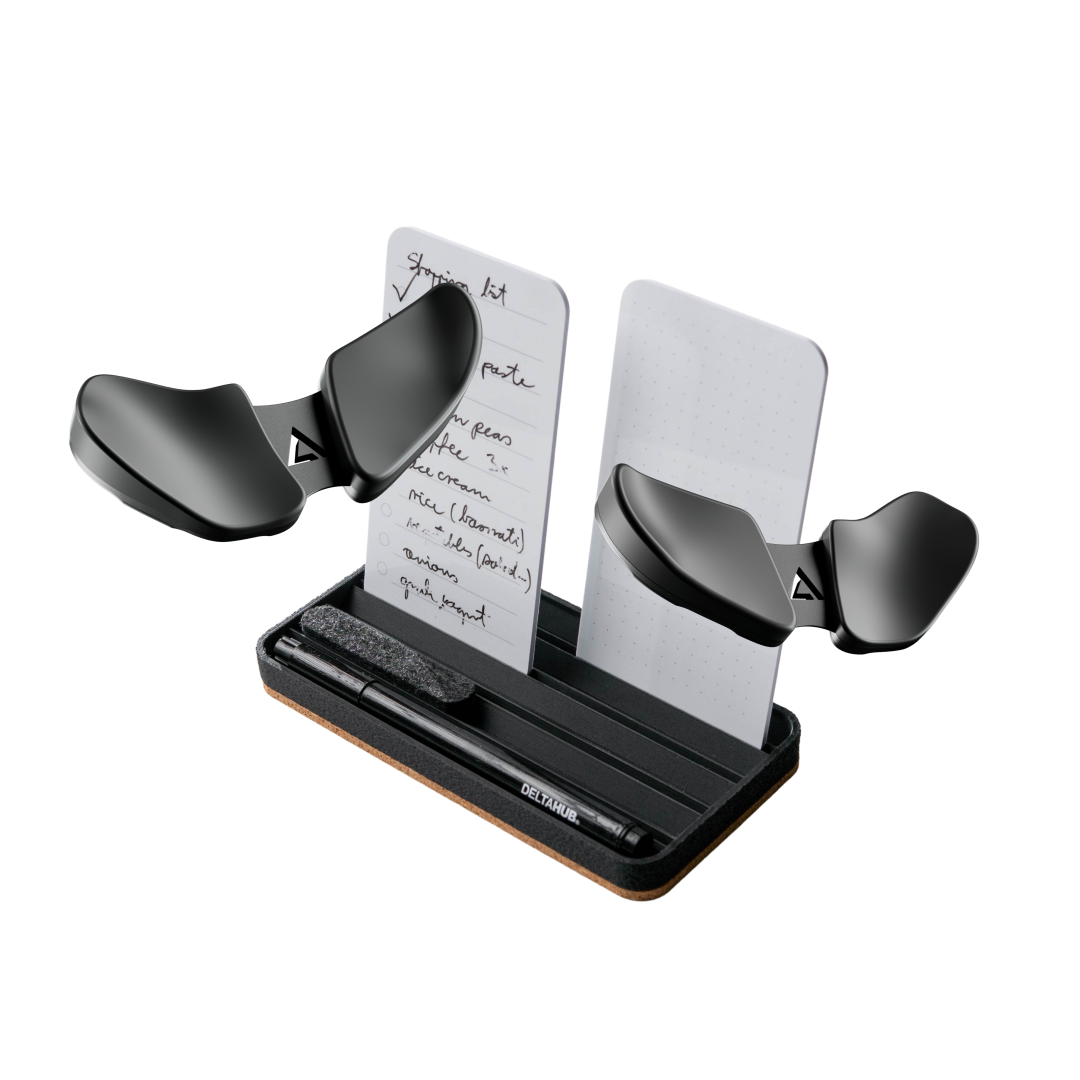
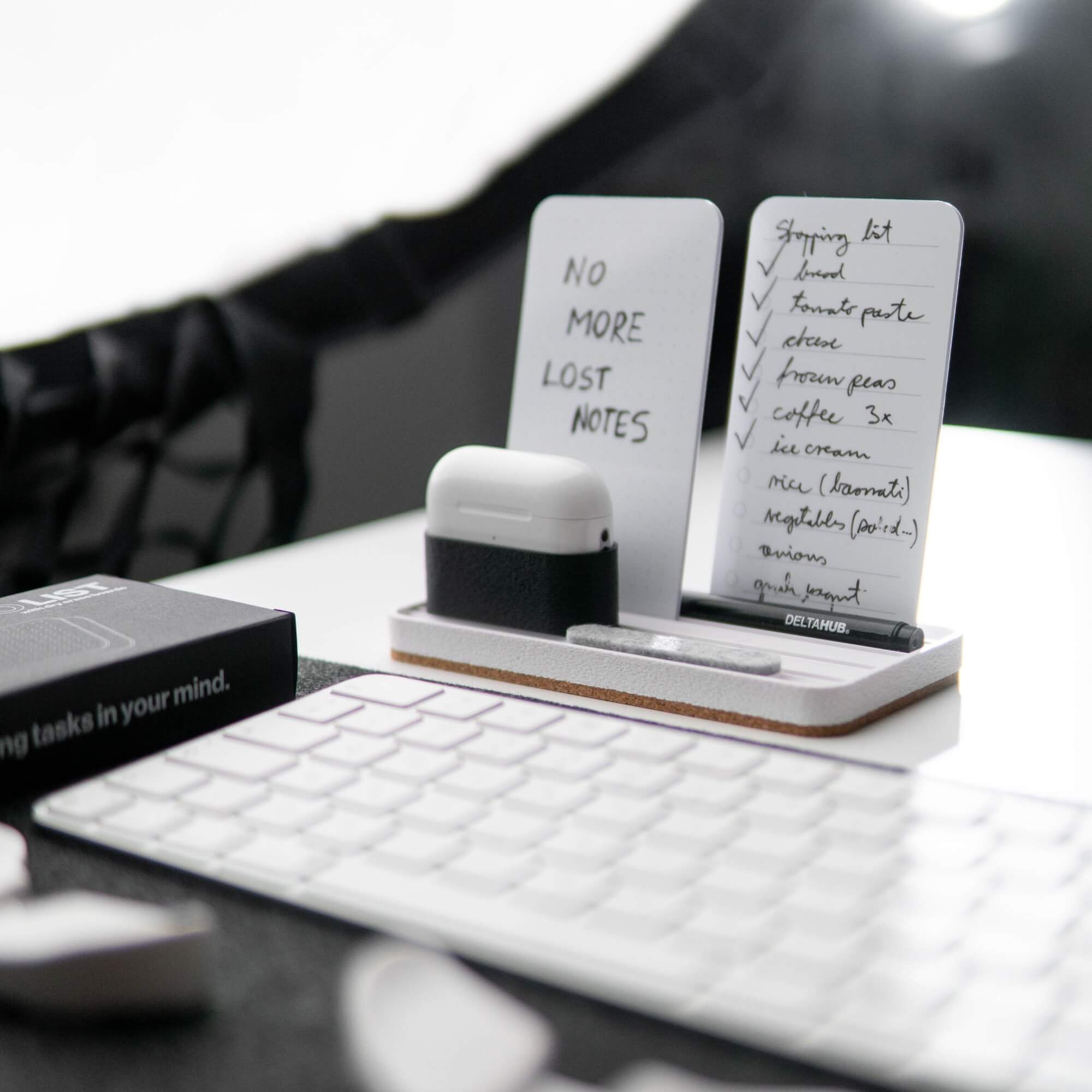
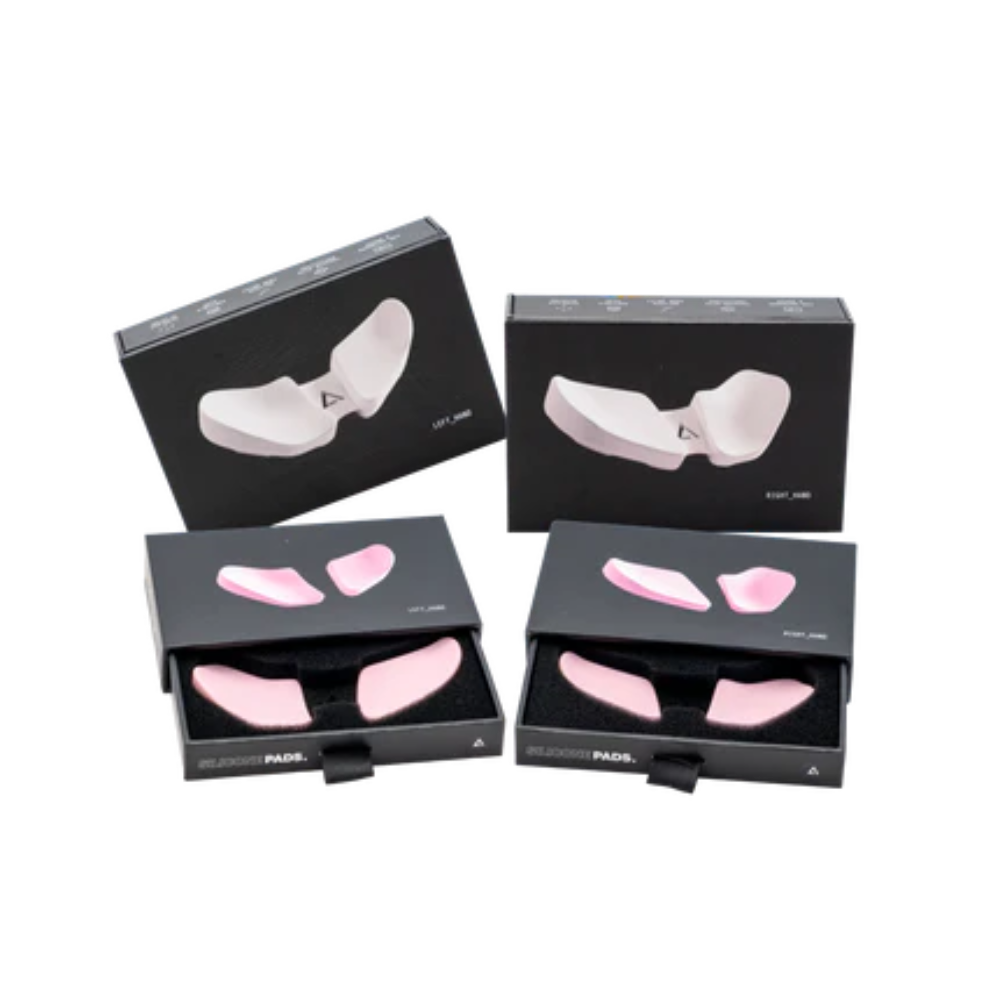
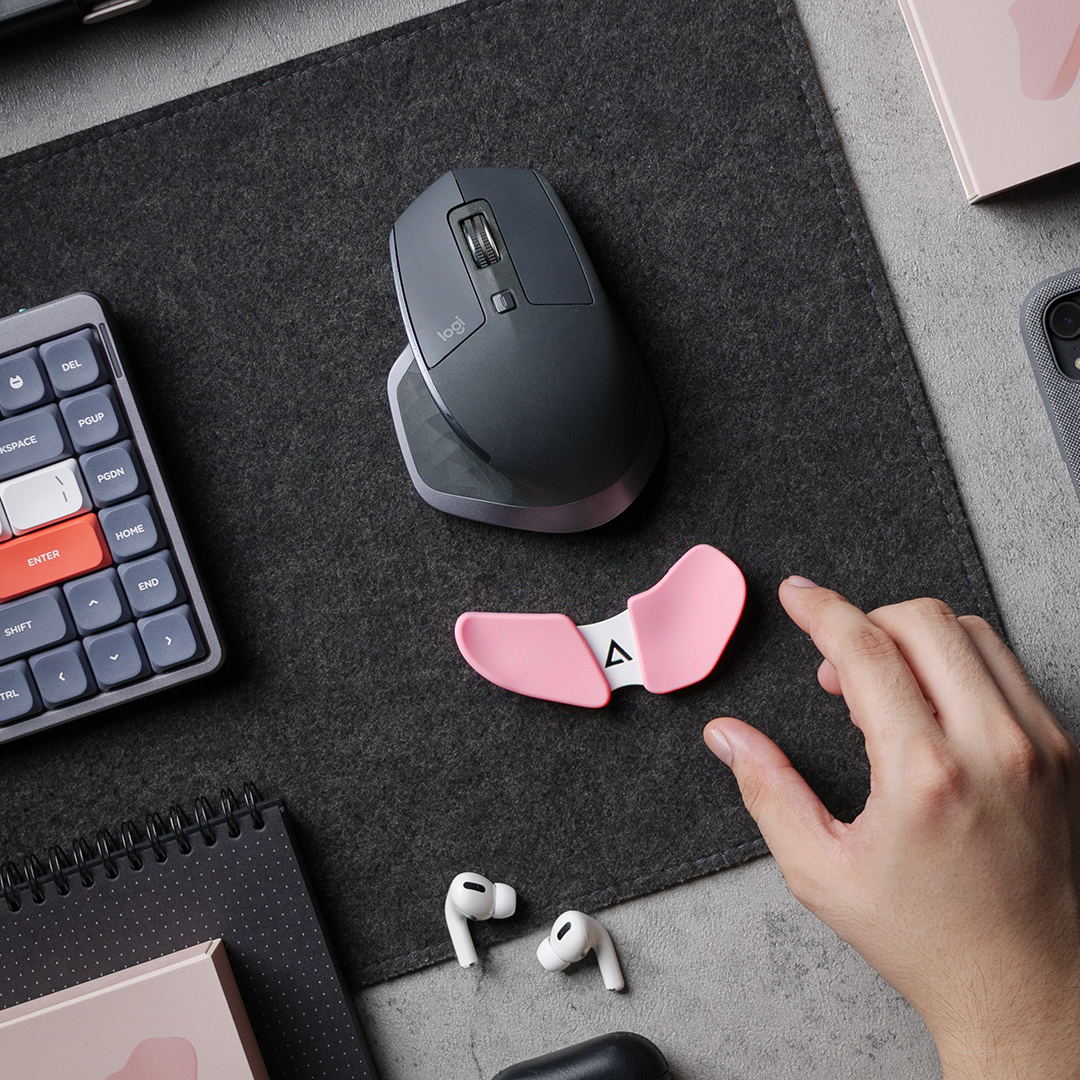
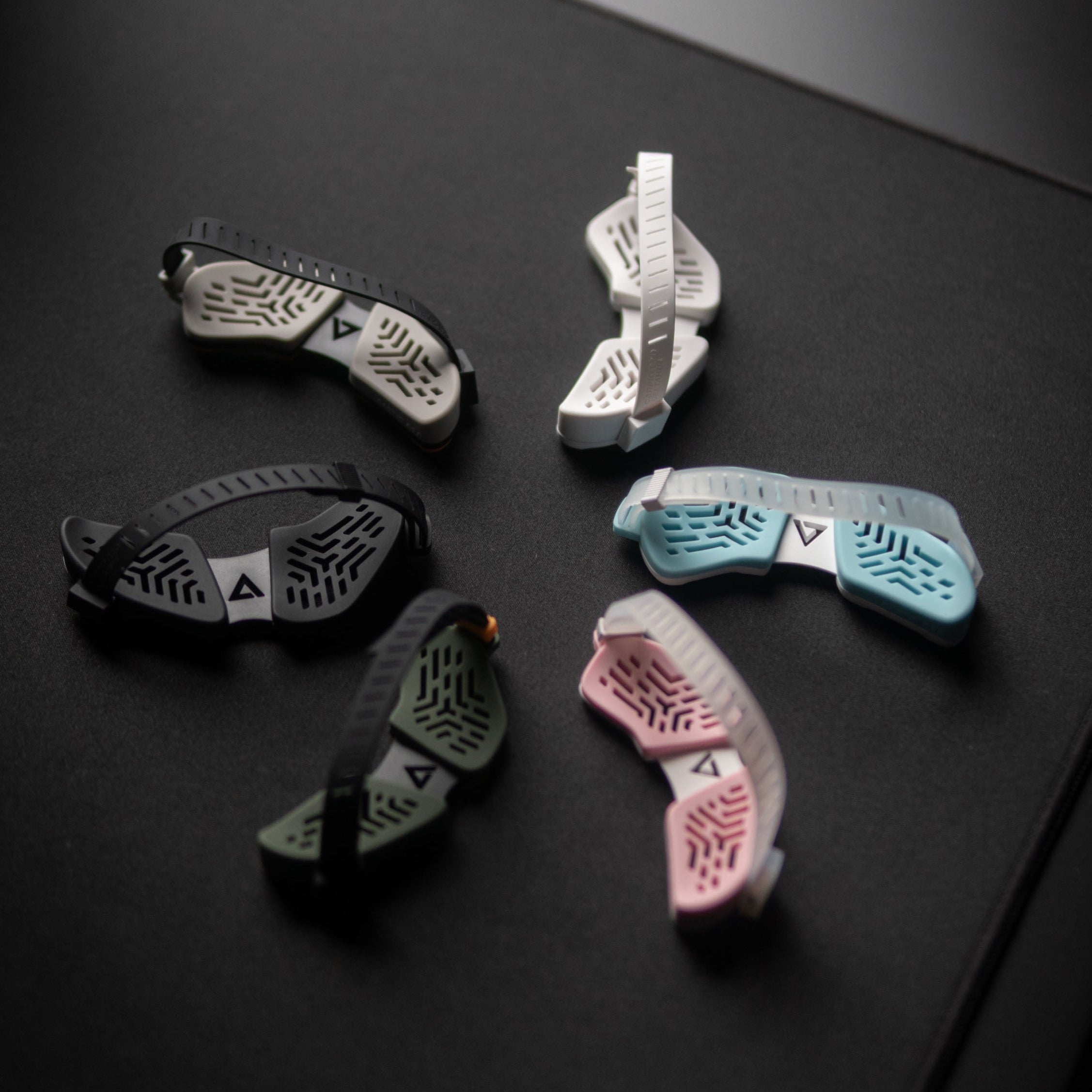
Carpio Set + Free Pads in multiple colors