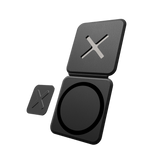
Swap drives in seconds
Put a drive plate on each drive. Pull one off your laptop, click the next one on.
Your cart
Your cart is empty.
Free shipping over $65 · 60-day returns
Best sellers
Best sellers
Shop by category
60-day returns2-year warrantySecure checkout
Mount one more device
The magnetic drive plate of HoldX, sold on its own. You also need a laptop plate: one comes with every HoldX.
25% off orders over $90
1 × HoldX drive plate (Device Component), 3M adhesive applied.
The 2- and 4-pack hold two or four drive plates. Spare adhesive isn't included.
You also need a laptop plate. It comes with every HoldX, or on its own as the HoldX Base Component. One laptop plate takes all your drives.
The half with the magnets
The drive plate is silicone, about 0.2 in thick, and holds 4 N52 magnets. On a HoldX laptop plate it's rated to hold 2.6 lb. They're magnets, not a lock, so a hard knock can still pull the drive off.
Clicks on straight
The laptop plate's raised X fits into the drive plate, so the drive won't slide or turn, and both plates together are under 0.24 in.
Shielded on your drive's side
SSDs store files in flash memory, not magnetically, and on the side facing your drive a metal shield keeps the field under 150 gauss. We can't guarantee HoldX for hard disk drives (HDDs): use extra caution with them.
Warning: strong magnets on the outer side
The side of the drive plate that clicks onto your laptop has no shield. Keep your HoldX in its own pocket, away from bank cards, mechanical watches and HDDs. If you have a pacemaker or another medical implant, keep HoldX away from it and ask your doctor what distance is safe.
Set it up once
Clean both surfaces, line the plate up, then press and hold. The adhesive is made to stay, so choose the spot with care.
Moving it takes heat and new tape
Warm the plate gently, with a hairdryer for example, then lift it with dental floss, fishing line or a plastic scraper. Some tape residue can stay behind; rub it off, or use an alcohol wipe. Sticking it on again needs new 3M tape.
Works with your first HoldX
2.0 plates click onto first-version plates.
0.04 in thinner
With 4 thinner magnets in the drive plate instead of 2, both plates together are under 0.24 in.
Safer magnets, the same 2.6 lb hold
Each magnet is smaller and weaker, so the field on the side that clicks onto your laptop is about a third weaker than on the first HoldX. Together, the four still hold 2.6 lb.
Silicone, made to last
The drive plate is silicone, so nothing scratches and nothing wears out.
Works with your first HoldX
2.0 drive plates click onto first-version laptop plates.
Free shipping
From $65 in the US, €65 in the EU, £55 in the UK, C$100 in Canada, A$100 in Australia and US$100 everywhere else. Duties and taxes, where they apply, are shown at checkout. Shipping details
Where we ship from
Our warehouses in the US, Slovenia and Canada, whichever is best placed for your order. Orders usually leave the same or next business day.
60-day returns
Not the right fit? Tell us within 60 days of delivery, no reason needed. Return labels are free in the US, EU and UK. Elsewhere you pay return shipping, unless the item is faulty or wrong. How to return
Warranty
2-year limited warranty on defects in materials and workmanship. Your legal rights are not affected. Warranty and legal guarantee
Put a drive plate on each drive. Pull one off your laptop, click the next one on.

Stick it on once, and the drive is ready to click onto your laptop wherever you open it.

SSDs store files in flash memory, not magnetically. We shield it anyway, with a metal layer facing your drive.
From your setups
2.6 lb
rated hold
4 sec
to swap one drive for another
<150 gauss
on the side facing your drive
Registered design
This is the drive plate: silicone, with 4 magnets inside. It clicks onto the laptop plate on a raised X.

Silicone, about 0.2 in
A little thicker, since it holds the magnets. The X fits into it, so both plates together are under 0.24 in.
Always sits square
The plates click together on a raised X, so the drive lines up the same way every time.
0.08 in of steel
With the drive off, it's so flat you'll barely notice it's there.
Modular system
Keep one plate on your laptop and put a drive plate on each drive. Nothing on HoldX wears out, so every swap clicks on like the first.
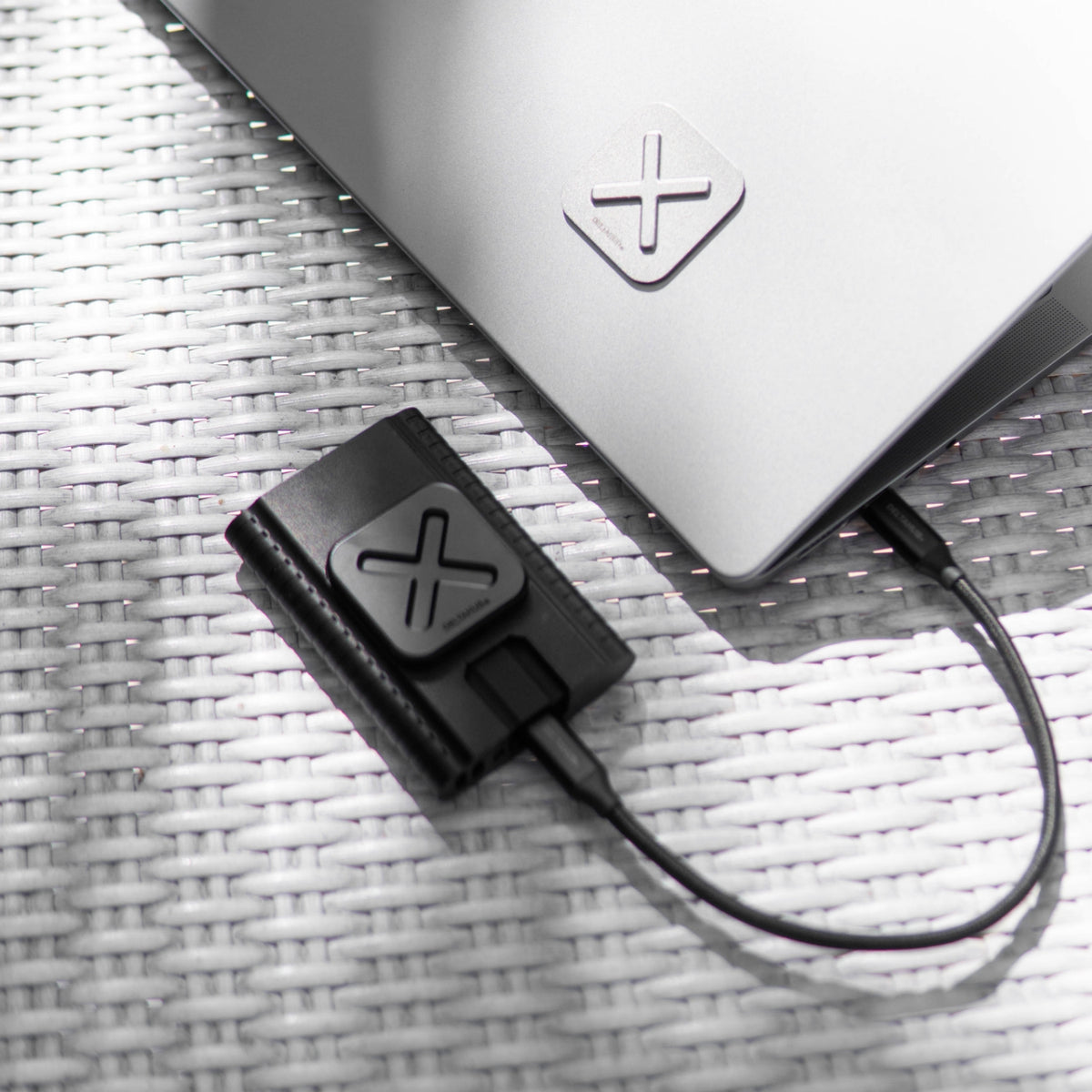


Each extra drive just needs a drive plate, like this one.
With an extra laptop plate, you can put your drives on a second laptop, behind your monitor or under your desk.
Drive plates also hold a hub, a power bank or a card reader, and the laptop plate takes the DeltaHub 3-in-1 Phone Mount if you place it to suit both.
Use cases
A rugged drive, a hub or a power bank... owners mount all sorts. What would you put on yours?

Exporting on the go

Working from a hammock

Backing up on location

Fit check
Yes, if it has a flat base at least 2 in across.

Magnets and SSDs
MagSafe phones have kept magnets next to flash memory for years, and SSDs use flash memory too. SanDisk, Lexar and MSI also sell SSDs that attach the same way.
Unlike SSDs, hard disk drives (HDDs) store data magnetically, but it takes a field of thousands of gauss to affect one.[1] Thanks to its metal shield, HoldX stays under 150 gauss on the side facing your drive. Still, we can't guarantee it for HDDs: use extra caution with them. The other side has no shield, so keep your HoldX in its own pocket, away from HDDs.
Setup and removal
Strong 3M adhesive keeps the plates, and your drive, in place on the move. Taking a plate off takes a little heat and patience, and leaves no marks.

Clean both surfaces, line the plate up, then press and hold. The adhesive is made to stay, so choose the spot with care.
When you change laptops, warm the plate gently, with a hairdryer for example, then lift it with dental floss, fishing line or a plastic scraper.
It leaves no marks, though some tape residue can stay behind; rub it off, or use an alcohol wipe.
Sticking it on again needs new 3M tape. Spare adhesive isn't included.
Specs
FAQ
A HoldX laptop plate on your laptop. If you already have HoldX, you have one, and it takes all your drives. If not, get the HoldX set, which comes with both plates and costs less than buying them separately, or add a laptop plate for $19.90.
Not an SSD. SSDs store files in flash memory, not magnetically, and on the side facing your drive a metal shield keeps the field under 150 gauss. That's far below the thousands of gauss it takes to affect a hard disk drive (HDD),[1] but we can't guarantee HoldX for HDDs: use extra caution with them.
The other side of the drive plate, the one that clicks onto your laptop, has no shield. Keep your HoldX in its own pocket, away from bank cards, mechanical watches and HDDs. If you have a pacemaker or another medical implant, keep HoldX away from it and ask your doctor what distance is safe.
Yes, if it has a flat base at least 2 in across, made of hard plastic, metal, glass or wood. Rubber or silicone shells need a HoldX SSD Sleeve, made for the Samsung T7, T7 Shield and T9, and the SanDisk Extreme and Extreme PRO. The sleeve takes the drive plate. The same goes for a hub, a power bank or anything else you mount.
Yes. The magnets are rated to hold 2.6 lb, more than 16 times the weight of a Samsung T7, and the raised X stops the drive sliding or turning. They're magnets, not a lock, so a hard knock can still pull the drive off.
Yes. 2.0 drive plates click onto first-version laptop plates, so you can add them to the set you have.
Yes, with a little care. To move a plate, warm it gently, with a hairdryer for example, then lift it with dental floss, fishing line or a plastic scraper. Some tape residue can stay behind; rub it off, or use an alcohol wipe. To stick it on again, you'll need new 3M double-sided tape.
You can. It costs less, until your drive hits the floor. HoldX clicks your drive on straight in 2 seconds, holds up to 2.6 lb, and nothing peels or wears out.
Go further


Drive-side half

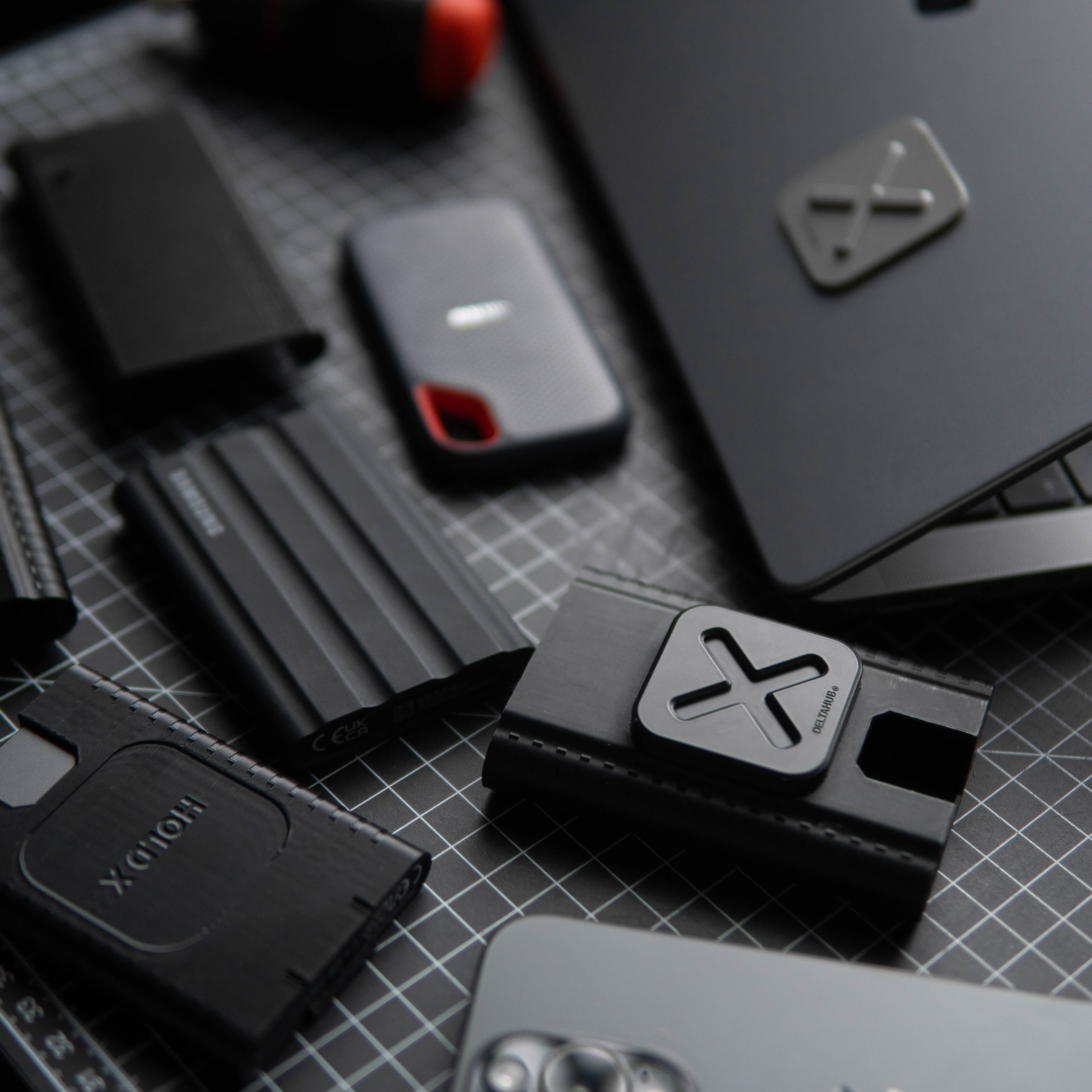


Laptop-side half

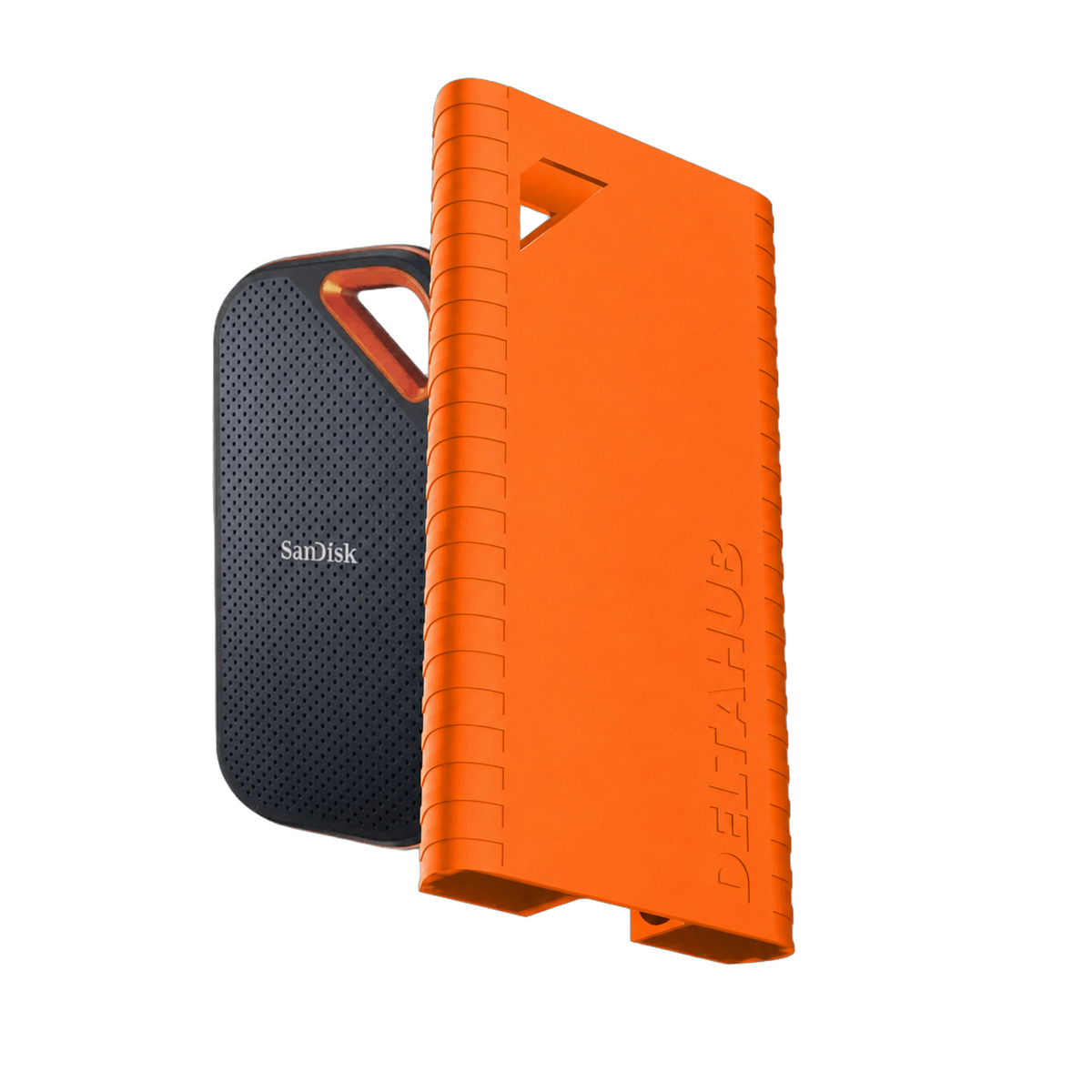
Sleeve for HoldX mount

Black Friday 2026
Lifetime warranty on your Black Friday order.
Sign up and order with the same email by Mon 30 Nov. Everything in that order is covered for life, not just 2 years.
Covers manufacturing defects on products in orders placed with this email from 16 to 30 Nov 2026, claimed like our standard warranty. You agree to get marketing emails from DeltaHub; unsubscribe anytime. Privacy policy.